


A website accessibility audit answers one simple question: can disabled people actually use your website?
Not “does it load” or “does it look nice on a big screen”, but can someone get around it using only a keyboard? Does it make sense when a screen reader reads it out? Can someone zoom right in without the page falling apart?
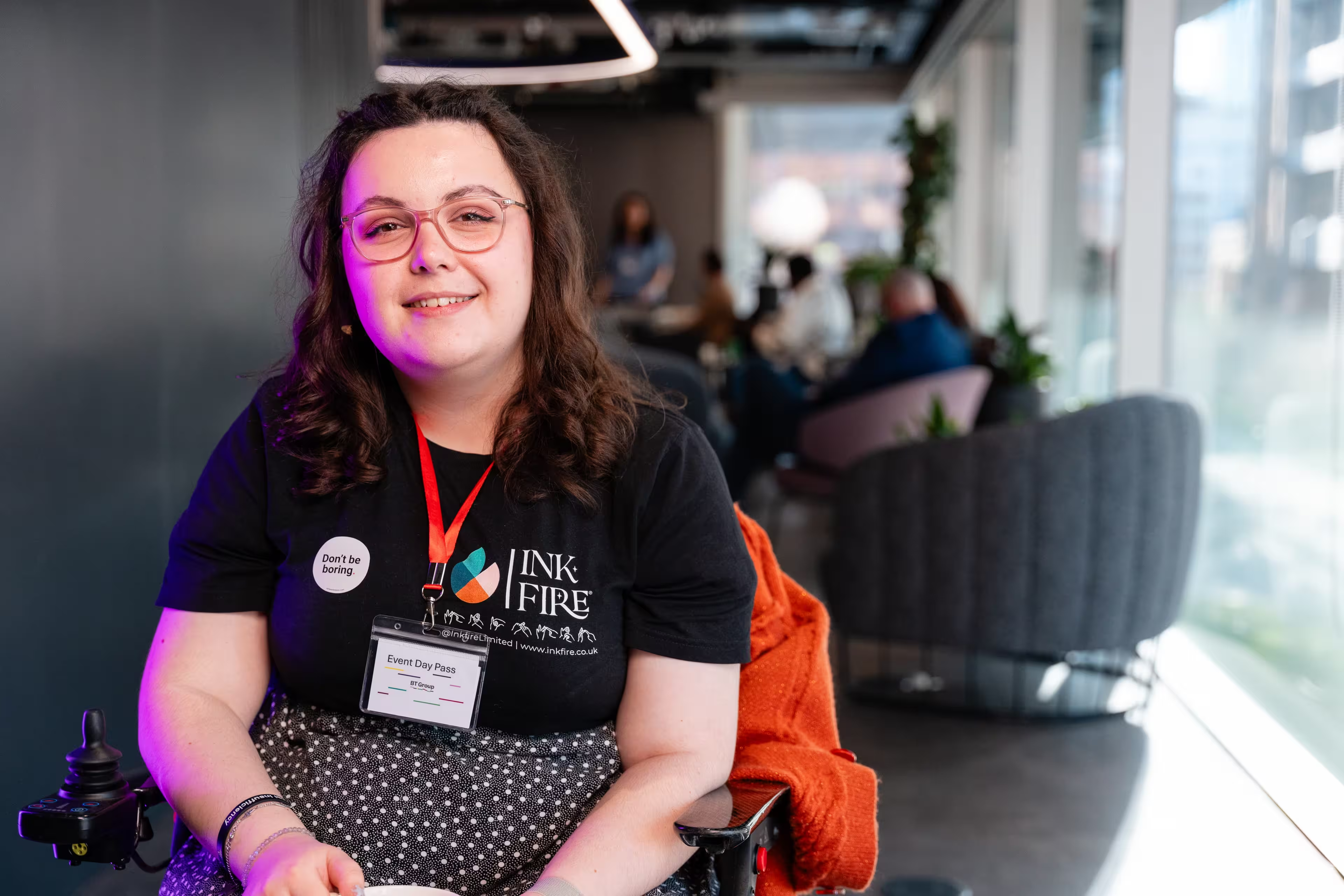
We’re Inkfire, a disabled-led digital agency based in Bournemouth, working with organisations right across the UK. We run accessibility audits as part of our web and accessibility work, so here’s an honest look at what gets tested, what you get at the end, and how to get ready.
What is a website accessibility audit?
It’s a structured check of your website against a recognised standard, with findings you can act on. It’s not a quick opinion or a score from a browser plugin.
The standard is usually WCAG, the Web Content Accessibility Guidelines. The current version, WCAG 2.2, was published by the W3C in October 2023. It has three levels: A, AA and AAA. AA is the level most organisations and procurement teams work to, so it’s the sensible target for most websites.
Do you legally need one?
It depends who you are.
- Public sector: UK public sector websites and apps must meet WCAG 2.2 AA and publish an accessibility statement that they review regularly. That’s set out in the gov.uk guidance for public sector websites and apps. The Government Digital Service monitors it, and the Equality and Human Rights Commission enforces it in England, Scotland and Wales.
- Private businesses and charities: you have duties under the Equality Act 2010 not to discriminate against disabled people in the services you provide, and that includes your website.
- Selling into the EU: you may also be covered by the European Accessibility Act, which has applied since 28 June 2025.
An audit won’t make a legal decision for you. What it gives you is evidence: where you stand, and what needs fixing.
What gets tested?
Every supplier scopes audits a bit differently, so always ask what’s included. Ours cover these areas.
WCAG 2.2 compliance review
We check your site against the WCAG 2.2 success criteria at the level you need, usually AA, and record where it falls short. Each issue comes with enough detail for a developer to understand the cause, not just the symptom.
Keyboard navigation
Plenty of people never touch a mouse. They use a keyboard, a switch device, or voice control that behaves like one. We go through your site without a mouse, looking for things like menus you can’t get out of, focus that disappears, and buttons you can see but can’t reach.
Assistive technology
Screen readers rely on your code to describe the page, and they can’t guess what you meant. We check how your site works with assistive technology like screen readers, which is where unlabelled buttons, confusing headings and missing image descriptions show up fast.
Colour contrast and visual accessibility
Text needs enough contrast with its background to be readable. WCAG sets minimum ratios:
| Text type | Minimum contrast ratio |
|---|---|
| Normal text | 4.5:1 |
| Large text | 3:1 |
We also check what happens when someone zooms in, and whether your layout adapts on narrow screens instead of making people scroll sideways.
Forms and interactive elements
Forms are where accessibility problems hurt most. If someone can’t fill in your form, they can’t book, buy, donate or get in touch. We test labels, error messages, required fields and what happens when something goes wrong. Accordions, tabs, sliders and pop-ups get the same treatment.
Content structure
Headings, lists, tables and link text all carry meaning. When they’re used loosely, assistive technology paints a confusing picture. We check whether your page still makes sense once the visual design is stripped away.
Automated tools vs. a real person
Automated scanners are useful, and we use them. They’re quick at spotting problems in your code. But they only catch some issues. They can’t use your website the way a person does.
| Check | Automated scan | Manual testing |
|---|---|---|
| Code and content rules | Yes | Yes |
| Keyboard-only use | No | Yes |
| What a screen reader actually says | No | Yes |
| Zoom and reflow | No | Yes |
| Forms and interactions | Partly | Yes |
That’s why we combine automated tools with manual testing and real-world usability thinking. It’s how you find the problems a scan on its own will miss.
What you get at the end
A clear report, not a raw export from a tool. It explains what we tested, how we tested it, and where your site doesn’t meet the standard. Every issue is written in plain language, with the technical detail your developer needs.
Most importantly, it tells you what to do next: what to fix first, what can wait, and why. That’s far more useful than a score out of 100 with no explanation.
What affects the cost?
We don’t publish fixed prices, because a fair quote depends on the job. Three things make the biggest difference:
- How much of your site is covered. A five-page brochure site is a very different job from a site with a dozen page templates and a checkout.
- What else is in scope. Things like apps or downloadable documents add to the work.
- Whether retesting is included. Retesting after your fixes confirms the problems have actually gone.
Tell us those three things and we’ll give you a quote based on your actual site.
How to prepare
You don’t need to fix anything before an audit. But a little preparation makes it sharper and quicker.
- List your key journeys. Not every page, just the tasks that matter: contact us, donate, apply, buy, book, log in.
- Know your templates. If ten pages share one layout, testing that layout covers all ten.
- Flag third-party tools. Booking systems, chat widgets, payment forms and embedded videos often come from other suppliers, so we need to know they’re there.
- Share what you already have. An existing accessibility statement or previous audit saves us rediscovering known issues.
- Decide who’ll fix things. A report without an owner tends to sit in a folder.
What happens after the audit?
Fix the blockers first. Anything that stops someone finishing an important task comes before the cosmetic issues, even if the cosmetic list is longer and easier to tick off.
Then work through the rest in batches, with your own developers or with us. Retest each batch, so you know the fix worked and didn’t break something else.
Finally, update your accessibility statement so it reflects where you are now, and keep reviewing it. If you want to know why we care so much about all this, have a read of why website accessibility matters to everyone.
Frequently asked questions
How long does a website accessibility audit take?
It depends on the size and scope of your site, so we won’t pretend there’s a fixed answer. A small site with a few templates takes much less time than a large platform with complex forms. Once we know your templates and key journeys, we can give you a realistic timeline.
Is an automated scan enough?
No. Automated tools are worth running, but they only catch some issues. They can’t tell you whether a keyboard user gets stuck in your menu, whether a screen reader reads your form errors clearly, or whether your layout survives zooming in. Those checks need a person.
Do we need an accessibility statement?
UK public sector websites and apps must publish one and review it regularly. If you’re not in the public sector, it’s still a good idea. It tells visitors what to expect and gives them a way to report problems.
What if our site doesn’t meet WCAG 2.2 AA?
That’s exactly why you audit. The report gives you a prioritised list, so you can fix the biggest blockers first and work through the rest in planned batches. Steady, evidenced progress is worth more than a perfect score you can’t keep up.