
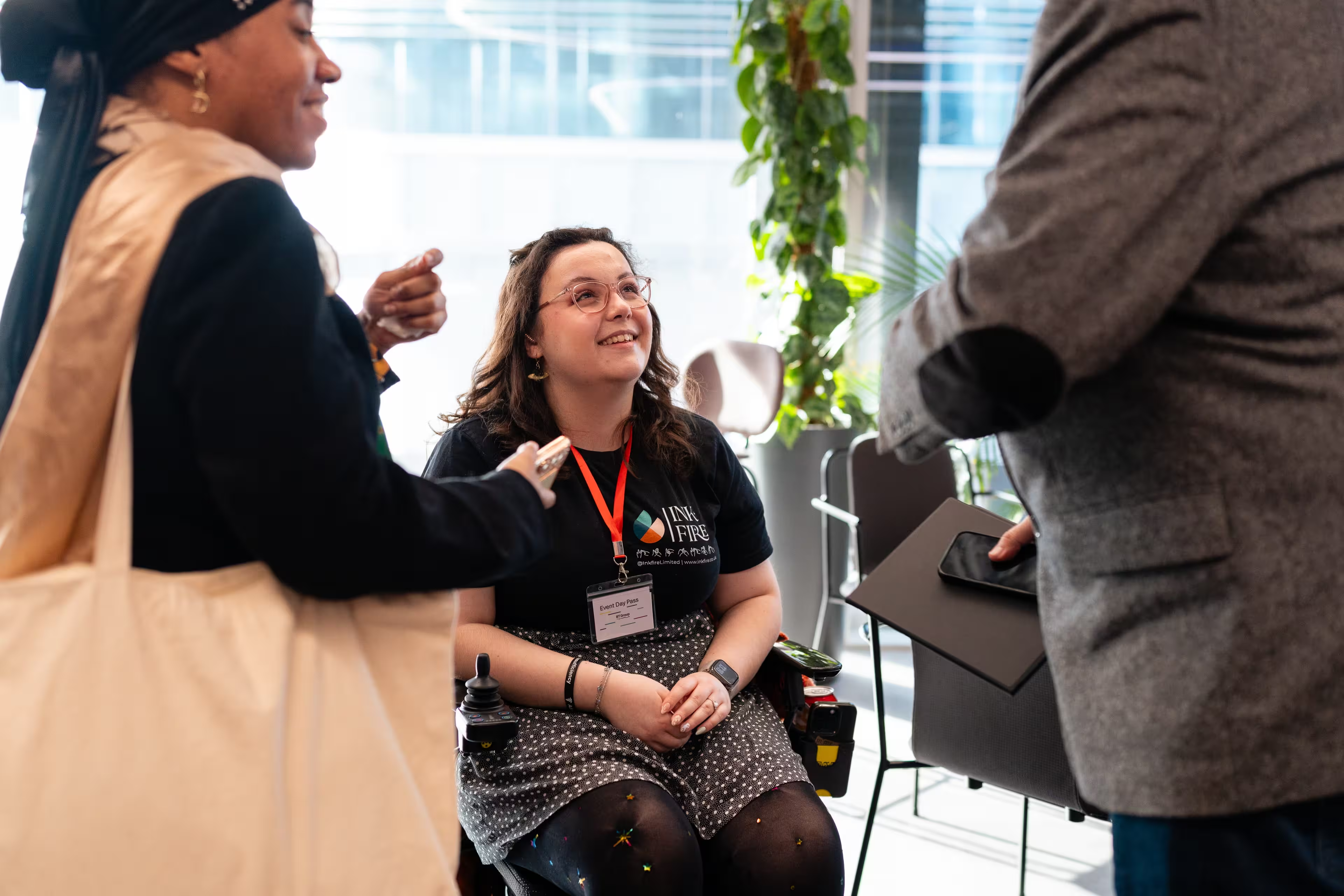
When you think of disability, what comes to mind?
For many people, it’s someone using a wheelchair, someone with a walking stick, or perhaps someone with a visible limb difference.
But disability doesn’t always look like that.
It’s your next-door neighbour who wears glasses but is considered legally blind. It’s your friend from school who was always described as “excitable” or “distracted”, but is actually neurodivergent. It’s your colleague who has to take medication throughout the day, even though you’ve never seen them take it.
Disability comes in many different forms, and many of them are completely invisible.
So, if the whole point of a website is to reach as many people as possible, why would we build websites that some people can’t use?
Accessibility means reaching more people
Did you know that in 2023/24, 24% of working-age adults in the UK were classified as disabled?
That’s almost one in four people.
And that’s one in four potential customers, clients, employees and website visitors who could encounter barriers when using a website that hasn’t been designed with accessibility in mind.
At Inkfire, we want to help make sure that when someone reaches your website, they’re actually able to use it.
That might mean making sure someone using a screen reader can understand what’s on the page. It could mean making sure important information isn’t communicated through colour alone, that videos have captions, or that someone who struggles with concentration or processing information can easily understand where they need to go next.
But here’s the interesting part.
Website accessibility isn’t only beneficial to disabled people.
Accessibility has a habit of helping everyone
There’s actually a name for this: the curb-cut effect.
Dropped kerbs were introduced to make pavements more accessible to wheelchair users. But who else uses them?
Parents pushing buggies. Travellers pulling heavy suitcases. Delivery workers using trolleys. Cyclists. People with temporary injuries.
Something designed to remove a barrier for disabled people ended up making life easier for everybody.
The electric toothbrush is another brilliant example.
One of the first commercially successful electric toothbrushes, the Broxodent, was designed particularly for people with limited motor skills and people who struggled to clean their teeth effectively because of orthodontic treatment.
Today?
Electric toothbrushes are everywhere.
Accessibility isn’t about creating a completely separate experience for a small group of people. Often, it’s simply about designing things better.
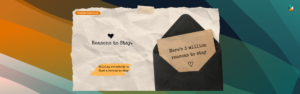
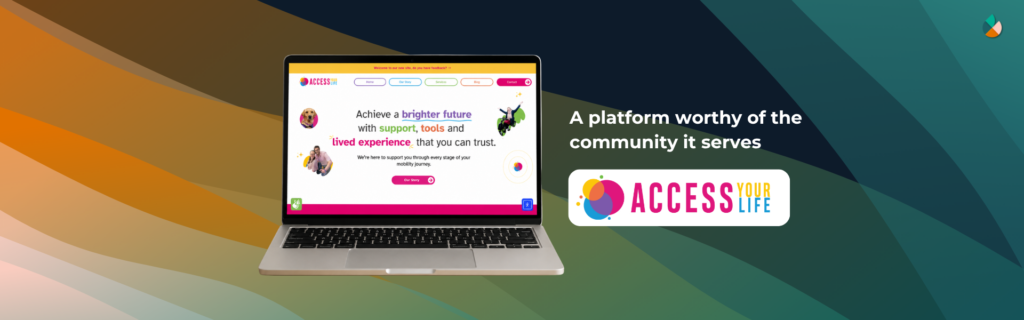
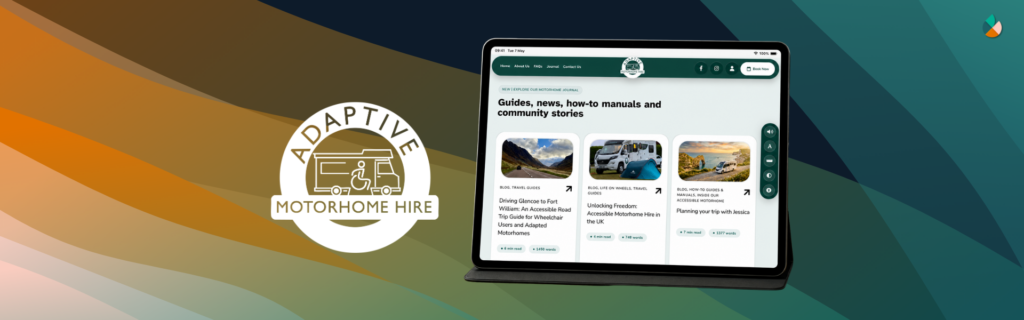
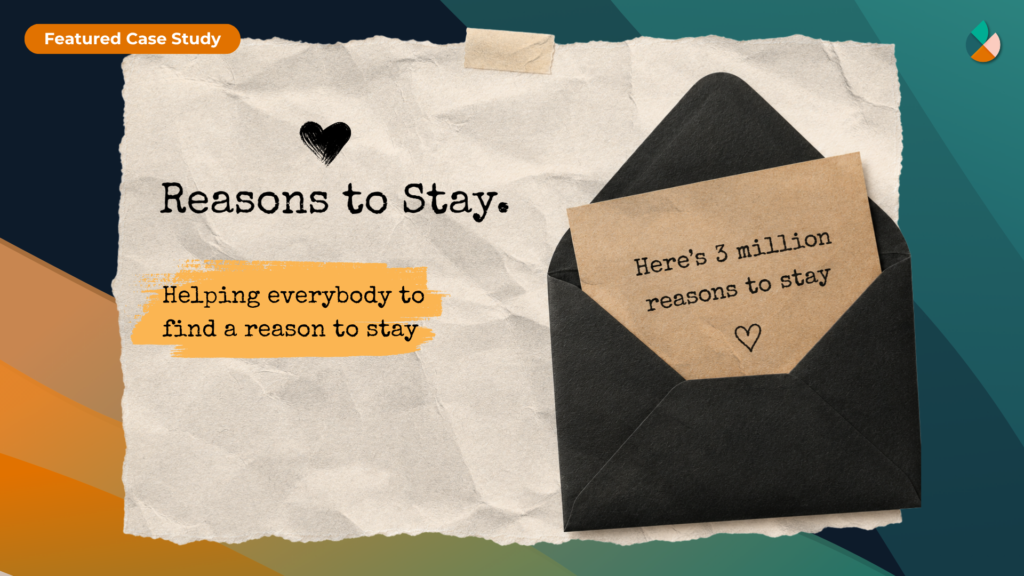
An example of a website we’ve helped with that shows accessibility done right, is the reasonstostay.org website.
So, what does that have to do with your website?
Exactly the same principle applies online.
An accessible website can support people who are:
- visually impaired
- blind or partially sighted
- Deaf or hard of hearing
- colour blind
- neurodivergent
- living with a physical or motor impairment
- living with cognitive or learning disabilities
- using assistive technology
But many of those same accessibility improvements can make your website better for everyone else too.
Clear headings make pages easier to scan. Captions let someone watch a video when they can’t have the sound on. Good colour contrast makes text easier to read in bright sunlight. Clear navigation helps someone find what they’re looking for quickly.
And there’s another increasingly important visitor to consider.
AI.
Accessibility, search and AI
AI doesn’t literally experience a website in the same way that a blind person using a screen reader does. However, there is some important crossover in what makes a website easier for technology to understand.
Things like meaningful headings, semantic HTML, descriptive text, properly labelled content and a logical page structure help assistive technologies understand and navigate a website.
Those same good practices can also make your content clearer and easier for search engines and AI-powered search experiences to process.
As AI increasingly influences how people search for businesses, products and information online, having clear, structured and crawlable website content matters more than ever.
So accessibility can help you reach the customers you already know about, the customers you don’t realise have a disability, and can contribute to making your website easier for modern search technology to understand.
Accessibility isn’t an extra
Accessibility shouldn’t be something that’s added to a website at the very end if there’s enough time or budget left over.
It should be part of how we think about good web design in the first place.
Because ultimately, making a website accessible isn’t about designing for “disabled people” and everyone else separately.
It’s about designing a website that more people can actually use.
And at Inkfire, that’s exactly what we want the web to look like.